
在 Outlook 中,當您創建新電子郵件時,將打開新的消息窗口,默認情況下光標位於“收件人”字段中。 但是,如果您想將光標定位到其他字段,例如“主題”,您可以使用本文分享的方法。
正如您所看到的,當您創建新電子郵件時,將打開新的消息窗口,並且光標位於“收件人”字段中。 但是,有些用戶希望先填寫電子郵件主題。 因此,他們希望將光標放在“主題”字段中。 在這裡,我們將向您介紹一種可以更改新消息窗口中光標默認位置的方法。
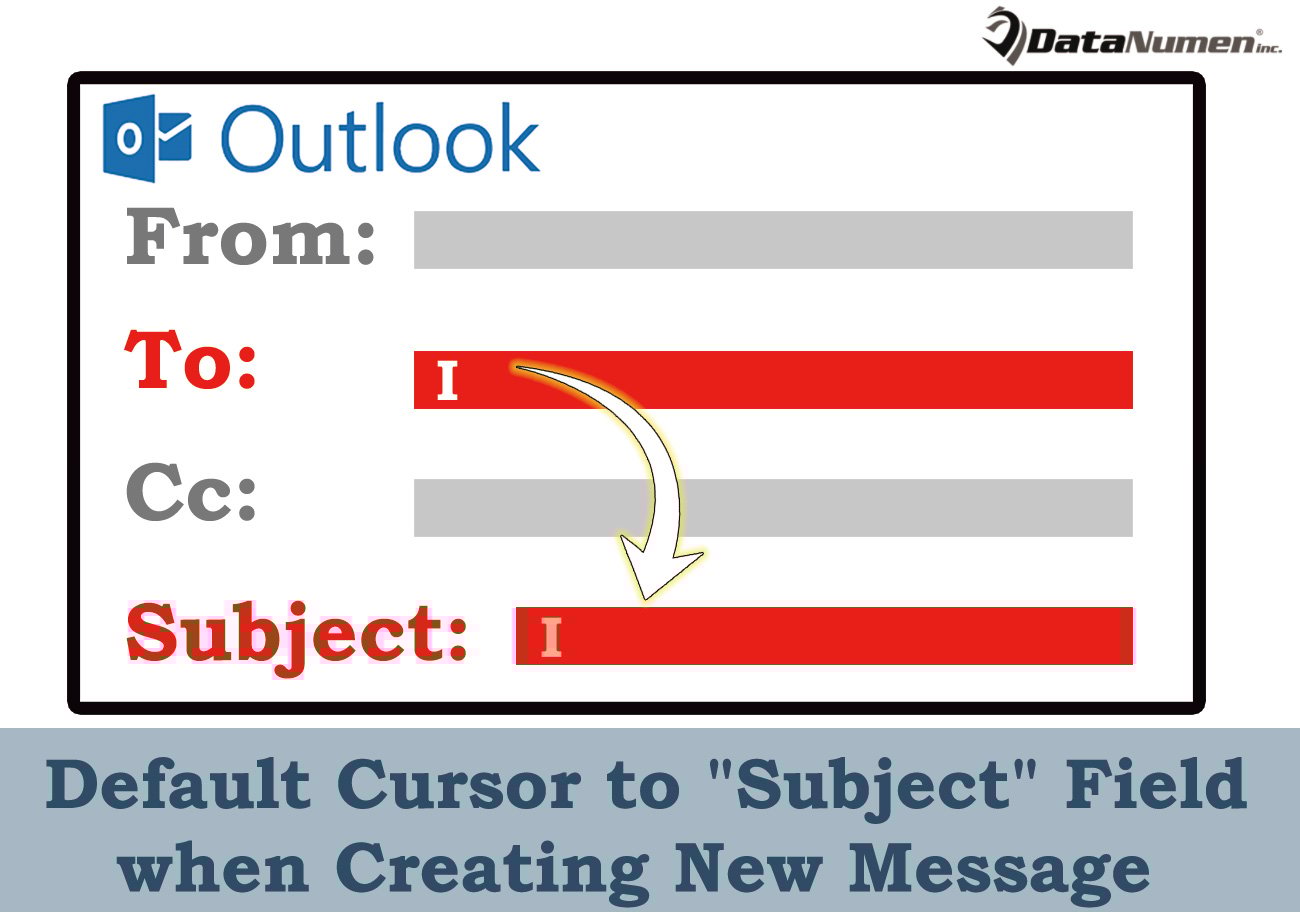
創建新消息時默認光標到“主題”字段
- 首先,啟動 Outlook 程式。
- 然後,在Outlook主窗口中,您需要按“ Alt + F11”鍵按鈕。
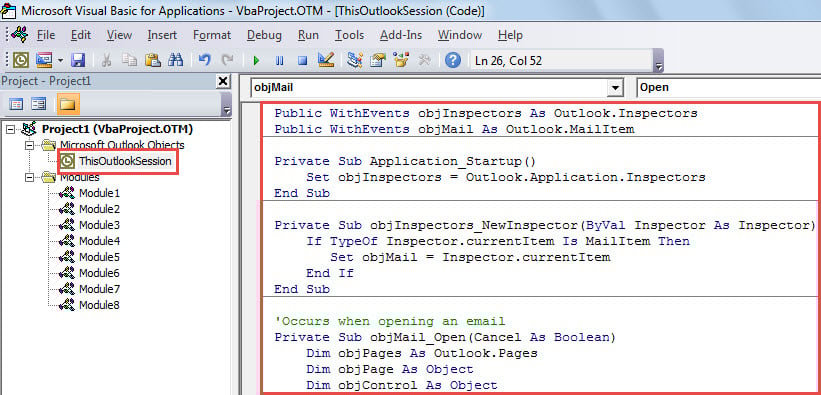
- 隨後,將打開“Microsoft Visual Basic for Applications”窗口。
- 之後,您應該打開“ThisOutlookSession”項目。
- 接下來,您需要將以下 VBA 代碼複製到該項目中。
Public WithEvents objInspectors As Outlook.Inspectors
Public WithEvents objMail As Outlook.MailItem

Private Sub Application_Startup()
    Set objInspectors = Outlook.Application.Inspectors
End Sub

Private Sub objInspectors_NewInspector(ByVal Inspector As Inspector)
    If TypeOf Inspector.currentItem Is MailItem Then
       Set objMail = Inspector.currentItem
    End If
End Sub

'Occurs when opening an email
Private Sub objMail_Open(Cancel As Boolean)
    Dim objPages As Outlook.Pages
    Dim objPage As Object
    Dim objControl As Object

    'If it is a brand new mail
    If objMail.Subject = "" Then
       Set objPages = objMail.GetInspector.ModifiedFormPages
       'Get the Message window
       Set objPage = objPages.Add("Message")
       'Position the cursor in "Subject" field
       Set objControl = objPage.Controls("Subject")
       objControl.SetFocus
    End If
End Sub
- 然後,您應該簽署這個宏。 單擊菜單欄中的“工具”並選擇“數字簽名”。 在新的對話框中,只需按照屏幕上的嚮導操作即可。
- 稍後,您應該繼續修改 Outlook 宏設置以允許簽名的宏。
- 最後,您可以重新啟動 Outlook 應用程序,這將啟動新的 VBA 專案。
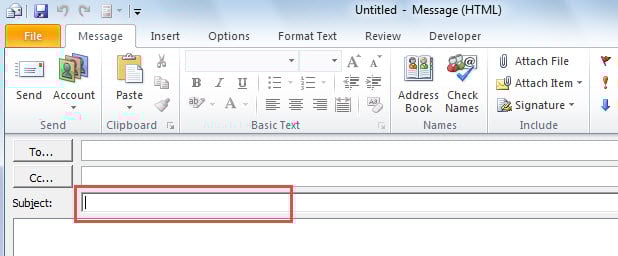
- 從現在開始,每次您創建新電子郵件時,都會打開新的消息窗口,光標位於“主題”字段中,如下圖所示:

Outlook 損壞的解決方案
儘管 Outlook 擁有許多功能,但它仍然無法避免錯誤和損壞。 毫無疑問,最糟糕的情況是 Outlook 被損壞。 此時,如果您已備份 PST 文件,則可以從備份文件恢復數據。 但如果您沒有備份,您就別無選擇,只能尋求可靠的幫助。 Outlook修復 工具,例如 DataNumen Outlook Repair。 它可以減輕損害並為您檢索最多的 Outlook 數據。
作者簡介:
Shirley Zhang是的數據恢復專家 DataNumen,Inc.是數據恢復技術的全球領導者,包括 損壞的mdf 和Outlook修復軟件產品。 欲了解更多信息,請訪問 萬維網。datanumen.COM