
1. Uvod
U pejzažu digitalnih dokumenata, jedan alat koji stoji kao ključni faktor za čitaoce i rukovaoce dokumentima je Add Page Numbers to PDF alat. Ovaj moćan alat olakšava navigaciju i organizaciju bez napora PDF dokumenata, što zauzvrat može poboljšati čitljivost i profesionalnost vaših digitalnih izvora.
1.1 Važnost dodavanja brojeva stranica u PDF alatka
Dodavanje brojeva stranica u a PDF važno je iz više razloga. Kao prvo, kada radite sa velikim ili složenim PDF datoteke, koje imaju brojeve stranica mogu drastično pojednostaviti proces pronalaženja određenih odjeljaka ili sadržaja unutar dokumenta. Drugo, oni služe kao koristan vodič za referenciranje i citiranje određenih stranica u naučnim člancima, pravnim dokumentima ili tehničkim izvještajima. Da ne spominjemo, brojevi stranica takođe daju auru profesionalizma vašim dokumentima – nešto što je neophodno u korporativnom i akademskom svijetu.
1.2 Popravak PDF Files
Za to vam je takođe potreban dobar alat popraviti PDF datoteke kada su oštećeni. DataNumen PDF Repair preporučuje se:
1.3 Ciljevi ovog poređenja
Glavni cilj ovog poređenja je da vam pomogne, kao korisniku, da identifikujete alat koji najbolje odgovara vašim specifičnim zahtjevima za dodavanje brojeva stranica PDF-ovima. Budući da svaki alat ima svoj jedinstveni skup funkcija, prednosti i nedostataka, ovo poređenje će pružiti jasan i koncizan pregled svakog od njih, što će vam znatno olakšati proces donošenja odluka. Okupili smo vrhunske alate za dodavanje brojeva stranica... PDF alata dostupnih na tržištu i upoređivat će ih na osnovu njihove funkcionalnosti, jednostavnosti korištenja, efikasnosti i performansi.
2. Adobe Acrobat dodavanje brojeva stranica u PDF
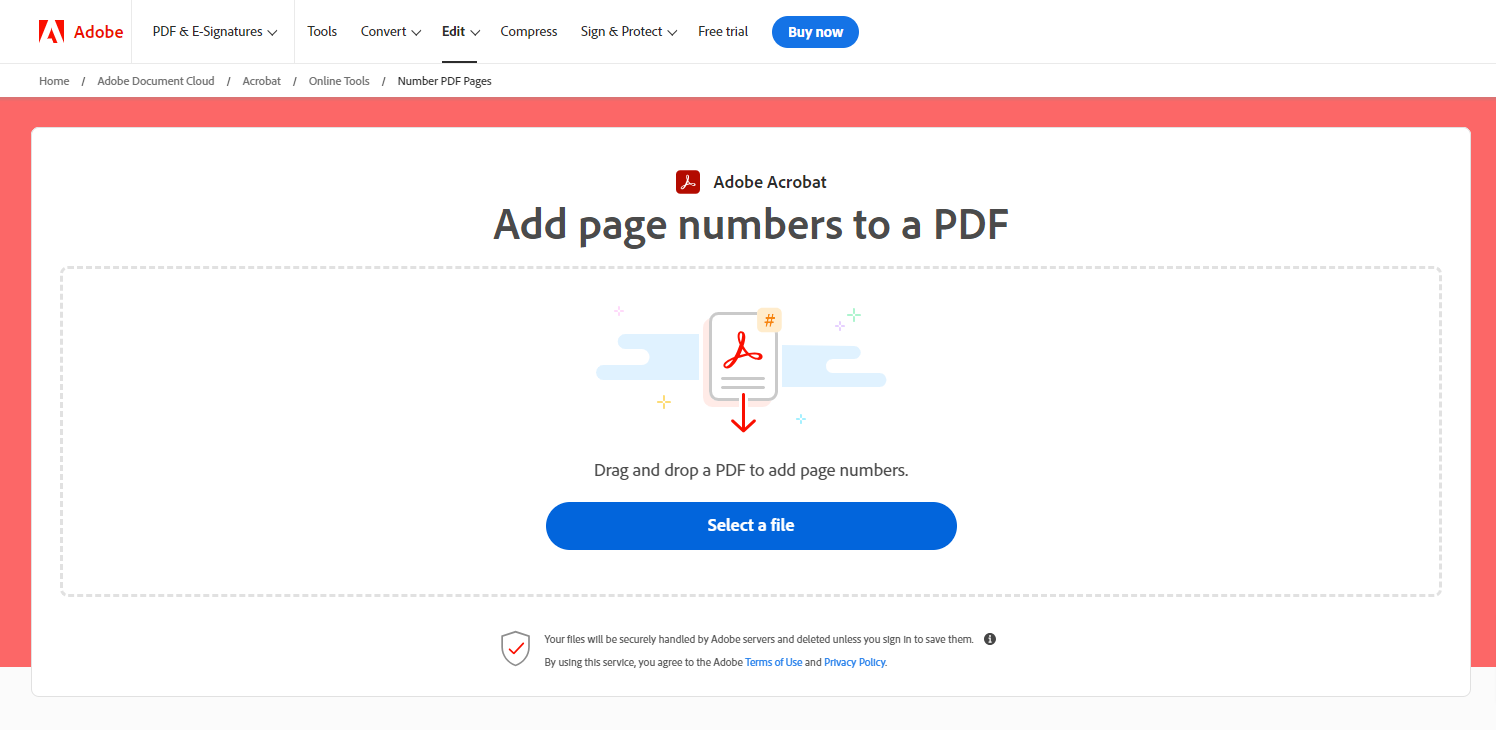
Adobe Acrobat je jedan od najpopularnijih i najčešće korištenih programa. PDF alate širom svijeta. Njegova funkcija 'Dodaj brojeve stranica u PDF' nudi robusno i pouzdano rješenje za umetanje brojeva stranica u vaš PDF dokumenata. Ovaj alat je dio Adobeovog sveobuhvatnog paketa PDF sposobnosti rukovanja i poznat je po svojoj pouzdanosti i efikasnosti bez premca.
2.1 Pros
- Napredne opcije: Adobe Acrobat pruža napredne opcije za dodavanje brojeva stranica. Možete odabrati dodavanje brojeva samo određenim stranicama, postaviti početni broj, promijeniti formatiranje brojeva i još mnogo toga.
- Grupna obrada: Ovaj alat vam omogućava istovremeno dodavanje brojeva stranica više PDF-ova, čime se štedi vrijeme i trud na velikim zadacima.
- Integracija: Budući da dolazi integriran sa Adobeovim paketom usluga, možete jednostavno upravljati i mijenjati svoje PDF dokumenata bez potrebe za prebacivanjem između platformi.
2.2 Protiv
- trošak: Adobe Acrobat je vrhunski alat. Iako nudi besplatnu probnu verziju, potpuni pristup svim funkcijama zahtijeva kupovinu pretplate.
- Složenost: Novi korisnici bi mogli smatrati da je široka lepeza funkcija Adobe Acrobat-a pomalo zastrašujuća. Uprkos vrhunskim mogućnostima, složenost njegovog interfejsa mogla bi biti kamen spoticanja za neke.
3. Dodaj u iLovePDF PDF Brojevi stranica
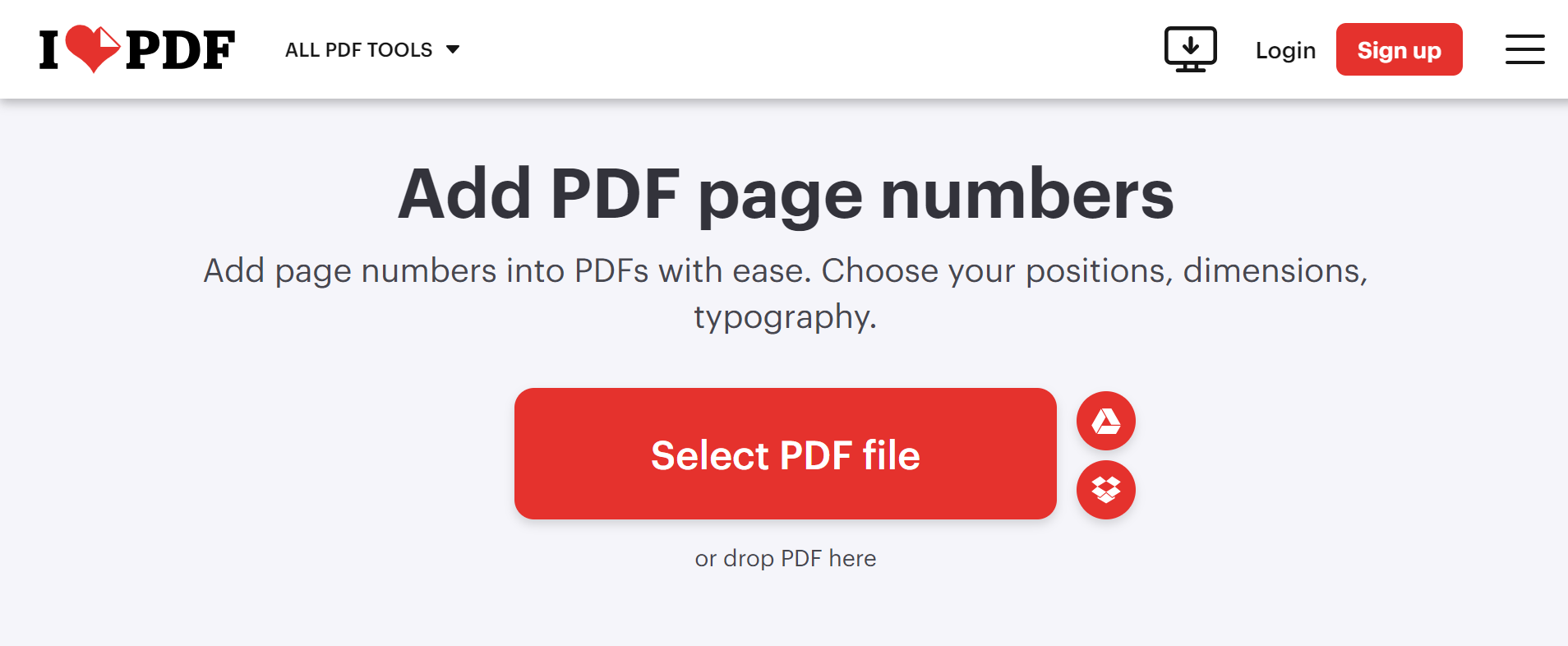
iLovePDF je svestran online PDF platforma za upravljanje poznata po svom jednostavnom i intuitivnom korisničkom interfejsu. Oznaka 'Add PDF Funkcija brojeva stranica ovog alata nudi i jednostavnost i efikasnost, što ga čini idealnim izborom za pojedince koji preferiraju nekomplikovanu PDF iskustvo numerisanja.
3.1 Pros
- Jednostavan za korištenje: iLovePDF je posebno dizajniran da pruži korisničko iskustvo. Njegov jednostavan interfejs i razumljive upute čine proces dodavanja brojeva stranica izuzetno jednostavnim.
- Efikasna obrada: Ovaj online alat brzo dodaje brojeve stranica, smanjujući vrijeme čekanja i dovodeći do veće produktivnosti.
- Višejezična podrška: iLovePDF podržava više jezika, što ga čini pristupačnijom opcijom za korisnike širom svijeta.
3.2 Protiv
- Ograničene mogućnosti za besplatne korisnike: Iako je alat besplatan za korištenje, naprednije funkcije zahtijevaju kupovinu premium plana.
- Ovisnost o internet konekciji: Budući da je iLovePDF uglavnom online usluga, osiguranje stabilne i jake internetske veze ključno je za nesmetano korištenje alata.
4. Smallpdf dodavanje i umetanje brojeva stranica u PDF
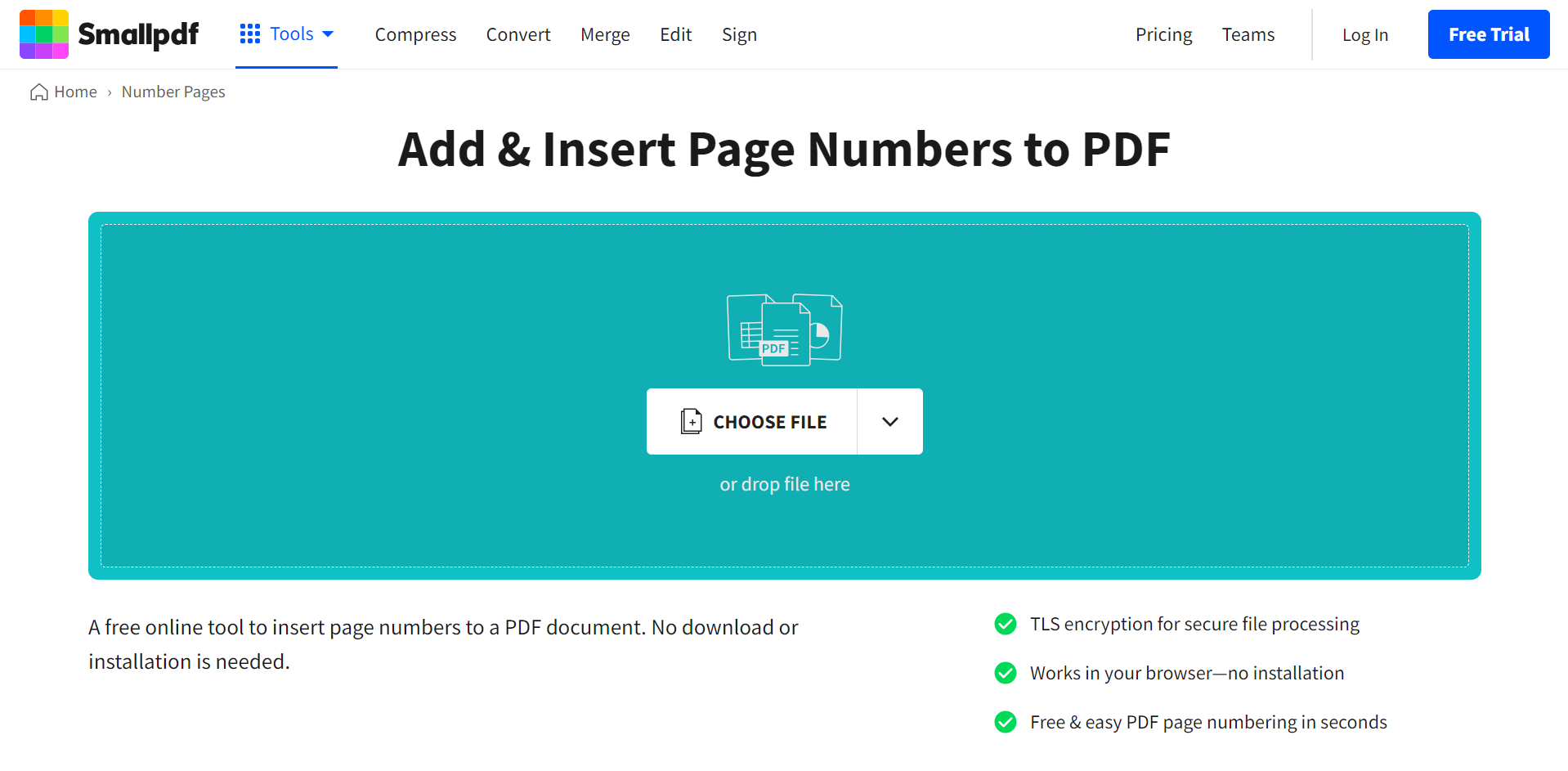
Smallpdf je još jedan istaknuti online alat posebno dizajniran za rad s PDF-ovima. Njegova funkcija 'Dodaj i ubaci brojeve stranica u PDF' pruža super jednostavan način za umetanje brojeva stranica u vaše dokumente. Smallpdf se ističe svojim čistim, korisnički prilagođenim interfejsom u kombinaciji s efikasnim performansama.
4.1 Pros
- Jednostavan i čist interfejs: Smallpdf se može pohvaliti minimalističkim dizajnom s kristalno jasnim uputama, što olakšava navigaciju i korištenje, čak i za početnike.
- Brza obrada: Alat može brzo dodati brojeve stranica bez značajnog vremena učitavanja.
- Sigurna obrada: Smallpdf cijeni sigurnost korisnika i briše datoteke sa svojih servera nakon sat vremena, osiguravajući sigurnost vaših podataka.
4.2 Protiv
- Ograničenja u besplatnoj verziji: Besplatna verzija Smallpdf-a ima određena ograničenja, poput obrade ograničenog broja zadataka dnevno. Pristup svim funkcijama zahtijeva plaćeni plan.
- ovisni o internetu: Budući da je Smallpdf online alat, brzina i stabilnost vaše internet veze su veoma važni za nesmetan rad.
5. PDF24 alati za dodavanje brojeva stranica
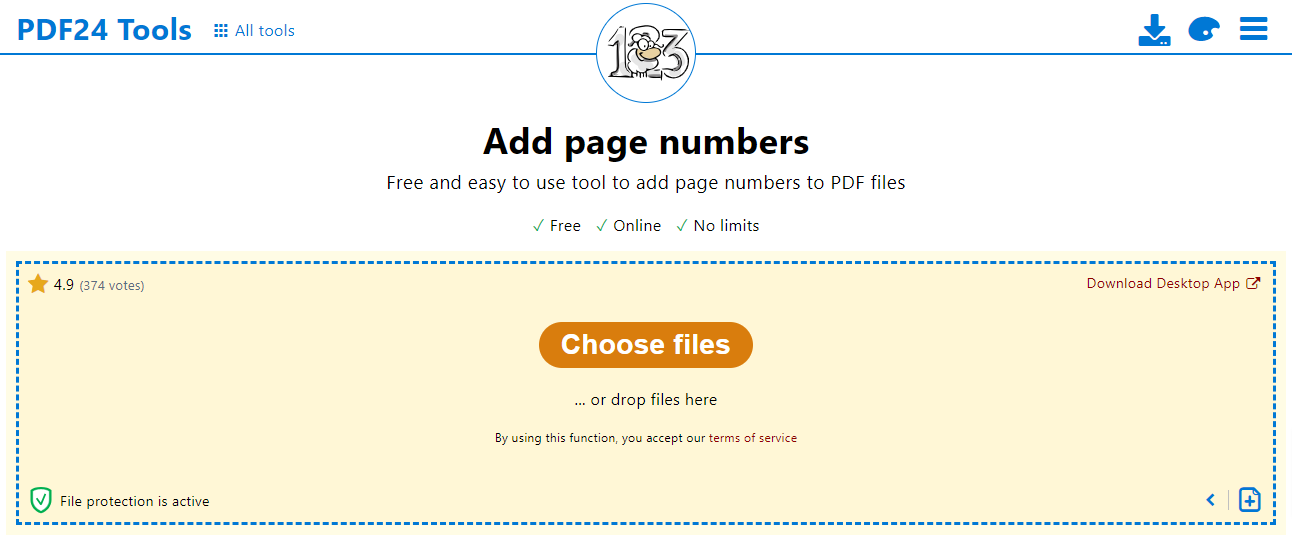
PDF24 alati su kolekcija jednostavnih za korištenje, besplatnih online alata PDF alata. Njihov alat 'Dodaj brojeve stranica' pruža korisnicima jasan i jednostavan tok posla za dodavanje brojeva stranica u svoje PDF datoteke bez potrebe za preuzimanjem složenog softvera. Kao web-bazirani alat, on učinkovito balansira jednostavnost i funkcionalnost za glatko korisničko iskustvo.
5.1 Pros
- Jednostavnost: Jednostavan interfejs PDF24 čini ga vrlo intuitivnim za korištenje. Jednostavno trebate prenijeti datoteku, prilagoditi brojeve stranica i spremiti rezultirajući PDF.
- Besplatno: PDF24 je potpuno besplatan za korištenje, bez skrivenih troškova ili pretplate.
- Sigurnost podataka: PDF24 garantuje sigurnost korisničkih podataka automatskim brisanjem otpremljenih datoteka nakon kratkog vremena.
5.2 Protiv
- Osnovne karakteristike: PDF24 ima prilično osnovne funkcije u poređenju s drugim alatima, što bi moglo ograničiti njegovu svestranost za naprednije potrebe.
- Zavisna od interneta: Kao usluga zasnovana na webu, kontinuitet i brzina rada direktno zavise od pouzdanosti vaše internet veze.
6. AvePDF Dodajte brojeve stranica u PDF-ove
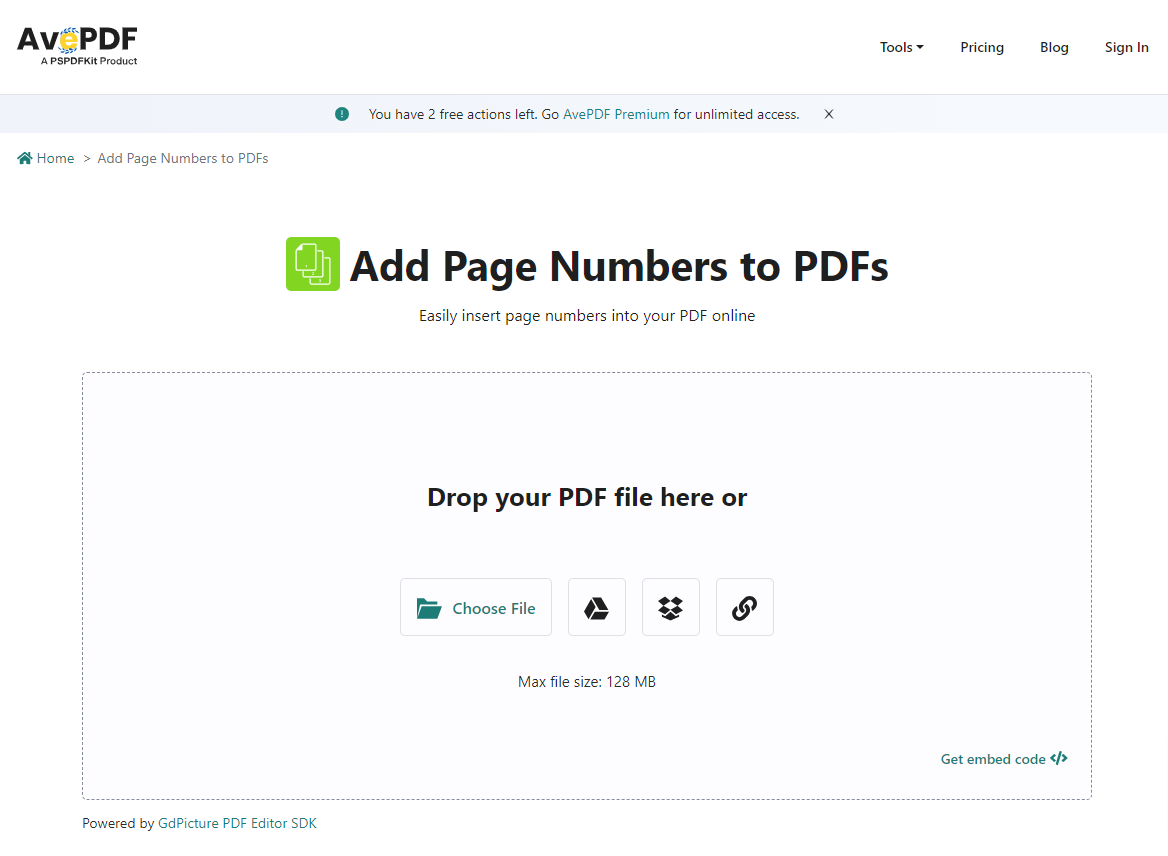
AvePDF je brz, siguran i jednostavan paket online alata za PDF datoteke. Njegova funkcija 'Dodaj brojeve stranica' pojednostavljuje zadatak dodavanja brojeva stranica vašim PDF-ovima u nekoliko klikova. AvePDF podržava i osnovne i napredne konfiguracije kako bi odgovarao različitim potrebama korisnika.
6.1 Pros
- Fleksibilno pozicioniranje: AvePDF vam omogućava da odaberete položaj brojeva stranica, nudeći nivo prilagođavanja koji odgovara vašim željama.
- Sigurnost podataka: S AvePDF-om, vaše datoteke se automatski brišu nakon kratkog perioda, osiguravajući privatnost i sigurnost vaših podataka.
- Efikasnost: Proces dodavanja brojeva stranica u alatu je brz i efikasan, smanjujući vrijeme čekanja.
6.2 Protiv
- Ograničene besplatne upotrebe: AvePDF dozvoljava ograničen broj besplatnih korištenja dnevno, nakon čega je potrebno kupiti pretplatu da biste koristili usluge.
- ovisni o internetu: Kao online usluga, kvalitet i brzina vaše internetske veze mogu direktno utjecati na vaše iskustvo s alatom.
7. Sejda Add PDF Brojevi stranica
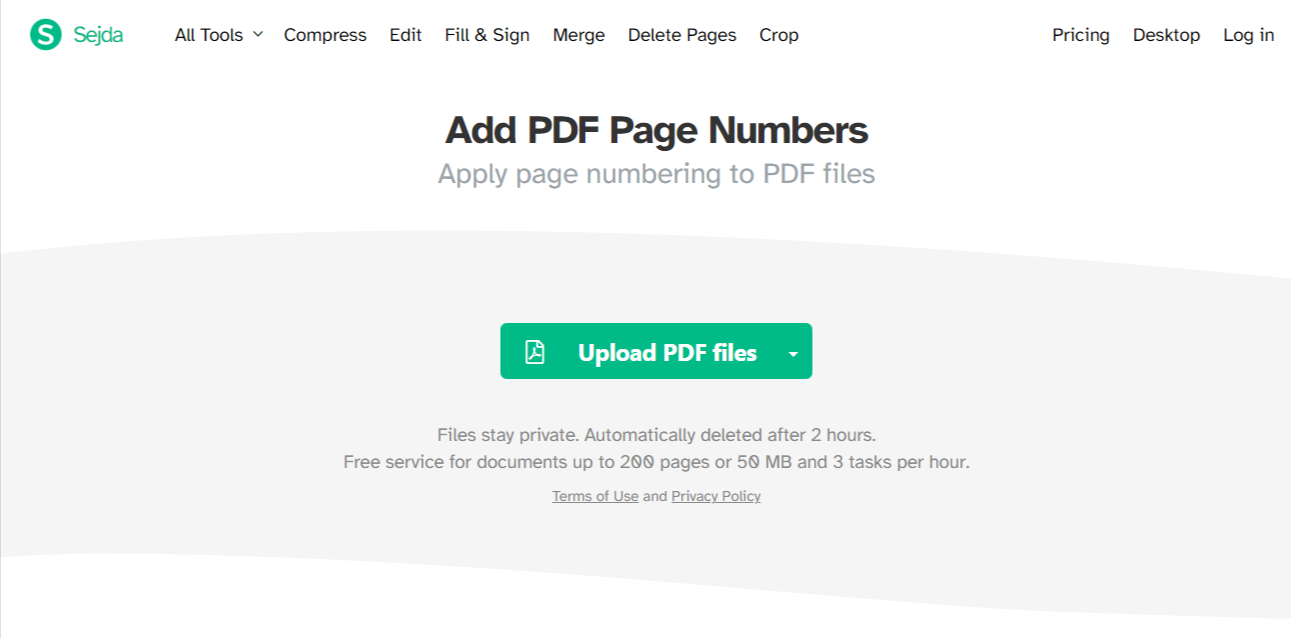
Sejda je intuitivna online usluga koja nudi širok spektar alata za PDF manipulacija fajlovima. Funkcija 'Dodaj brojeve stranica' iz Sejde je zgodan alat dizajniran za dodavanje brojeva stranica na PDF dokumentuje brzo i bez napora. Njegovo korisničko sučelje i korisne funkcionalnosti donijele su mu renomirano mjesto među svojim kolegama.
7.1 Pros
- Prilagodljivi brojevi stranica: Sejda vam daje potpunu kontrolu nad tim gdje se brojevi stranica pojavljuju u vašem dokumentu. Veličina, font i lokacija mogu se podesiti prema vašim zahtjevima.
- Dizajn prilagođen korisniku: Sejdin dizajn je jednostavan i čist, omogućavajući jednostavno i besprijekorno korisničko iskustvo.
- Zaštita podataka: Sejda poštuje privatnost korisnika i uklanja fajlove nakon dva sata, osiguravajući sigurnost vaših dokumenata.
7.2 Protiv
- Ograničeni besplatni zadaci: Sejda dozvoljava ograničen broj zadataka u svojoj besplatnoj verziji. Za neograničen pristup, dostupni su premium planovi.
- Oslanja se na internet konekciju: Kao online alat, brzina vašeg rada ovisit će o stabilnosti i brzini vaše internetske veze.
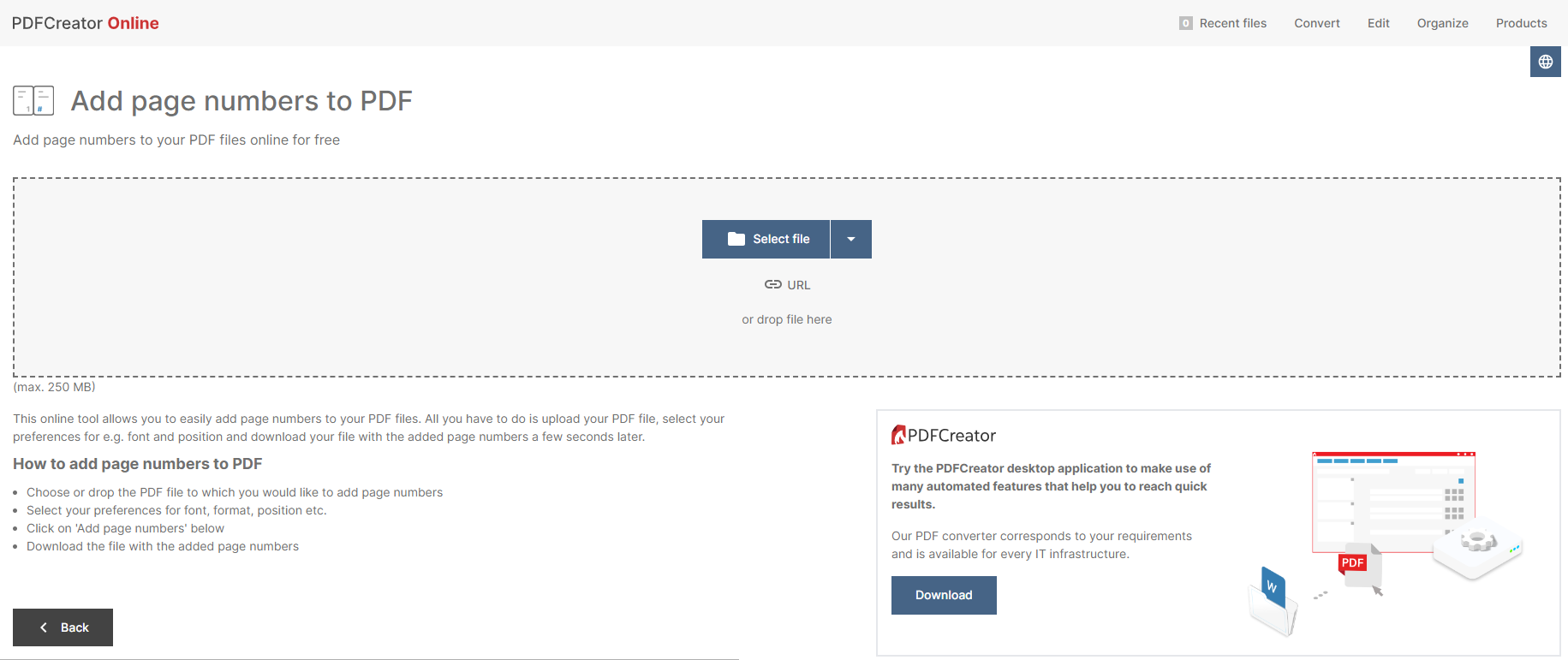
8. PdfForge Dodajte brojeve stranica u PDF
PdfForge je poznata platforma koja nudi raznolike alate za manipulisanje i kreiranje PDF datoteke. Jedna od njegovih efikasnih funkcija je alat 'Dodaj brojeve stranica u PDF', koji se ističe svojom jednostavnošću i brzinom. Nudi nekompliciran tijek rada i ne zahtijeva od korisnika da instaliraju bilo kakav softver za dodavanje brojeva stranica u svoje PDF-ove.
8.1 Pros
- Korisničko sučelje: PdfForge se ističe intuitivnim korisničkim interfejsom koji olakšava navigaciju, čak i za početnike.
- Brza obrada: PdfForge je poznat po svojoj efikasnosti – brzo dodaje brojeve na stranice vaših PDF dokumenata bez čekanja.
- Besplatno za upotrebu: PdfForgeov alat za dodavanje brojeva stranica PDF-ovima je potpuno besplatan, što ga čini isplativim rješenjem za korisnike.
8.2 Protiv
- Osnovne funkcionalnosti: Iako je jednostavan i brz, PdfForgeov alat ne može se takmičiti s drugim alatima u pogledu naprednih funkcija i postavki za dodavanje brojeva stranica.
- Samo na mreži: Budući da je PdfForge u potpunosti online, za nesmetan rad potrebna je stabilna i pouzdana internetska veza.
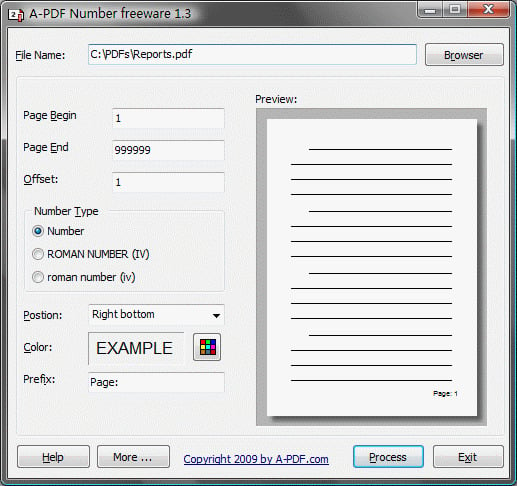
9. Broj A-PDF-a
A-PDF Number je samostalni program dizajniran posebno za dodavanje brojeva stranica PDF datoteke. Ovaj besplatni softver je prilično zgodan i jednostavan, savršen za korisnike kojima je potrebna samo funkcija numeriranja stranica i ne žele se kretati kroz paket drugih PDF alati.
9.1 Pros
- Samostalni program: Budući da je samostalni program, A-PDF Number radi nezavisno od bilo kojeg drugog softvera ili internet veze, što može biti korisno za one koji rade u područjima sa slabom internet konekcijom.
- Jednostavno sučelje: Njegovo sučelje je jasno i jednostavno za korištenje, što ga čini idealnim za korisnike koji preferiraju jednostavnost.
- Besplatno: A-PDF broj je potpuno besplatan, što ga čini ekonomičnim izborom za pojedince ili preduzeća s ograničenim budžetom.
9.2 Protiv
- Ograničene karakteristike: Iako A-PDF Number dobro obavlja svoju primarnu funkciju, ne pruža širok spektar drugih funkcija koje se često nalaze u sveobuhvatnim PDF programe.
- Zahtijeva preuzimanje i instalaciju: Kao samostalni program, morat ćete preuzeti i instalirati A-PDF Number na svoj računar, što je nešto što se možda neće svima svidjeti.
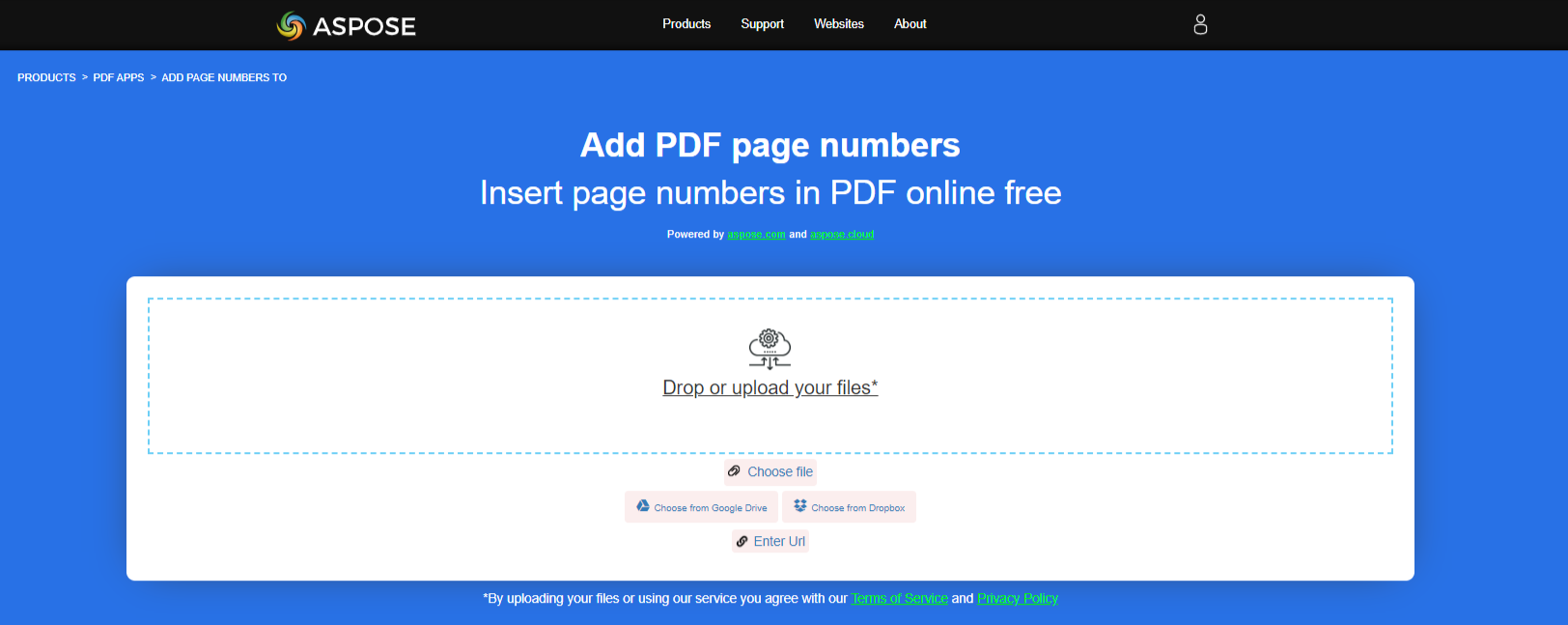
10. Aspose Add PDF Brojevi stranica
Aspose je sveobuhvatna platforma koja nudi mnoštvo aplikacija i alata za manipulaciju datotekama. Konkretno, njihov 'Add PDF Funkcija brojeva stranica pruža online rešenje za numerisanje koje je lako pratiti PDF stranice. Aspose uspostavlja dobar balans između jednostavnosti korisnicima i veće kontrole nad načinom na koji se brojevi stranica pojavljuju na stranicama.
10.1 Pros
- Sveobuhvatne postavke: Uz Aspose, imate širok izbor opcija za prilagođavanje položaja i izgleda brojeva stranica, nudeći i osnovna i napredna prilagođavanja.
- Privatnost podataka: Aspose ozbiljno shvata privatnost korisnika pružajući sigurne veze i automatsku naknadnu obradu brisanja datoteka.
- Jednostavnost upotrebe: Aspose sučelje je intuitivno i lako za navigaciju, čak i za one koji prvi put koriste.
10.2 Protiv
- Ograničenja besplatne verzije: Iako Aspose PDF je u početku besplatno, kontinuirano korištenje će zahtijevati kupovinu za neprekidne usluge.
- ovisnost o internetu: Učinak ovog online alata ovisi o brzini i pouzdanosti vaše internetske veze.
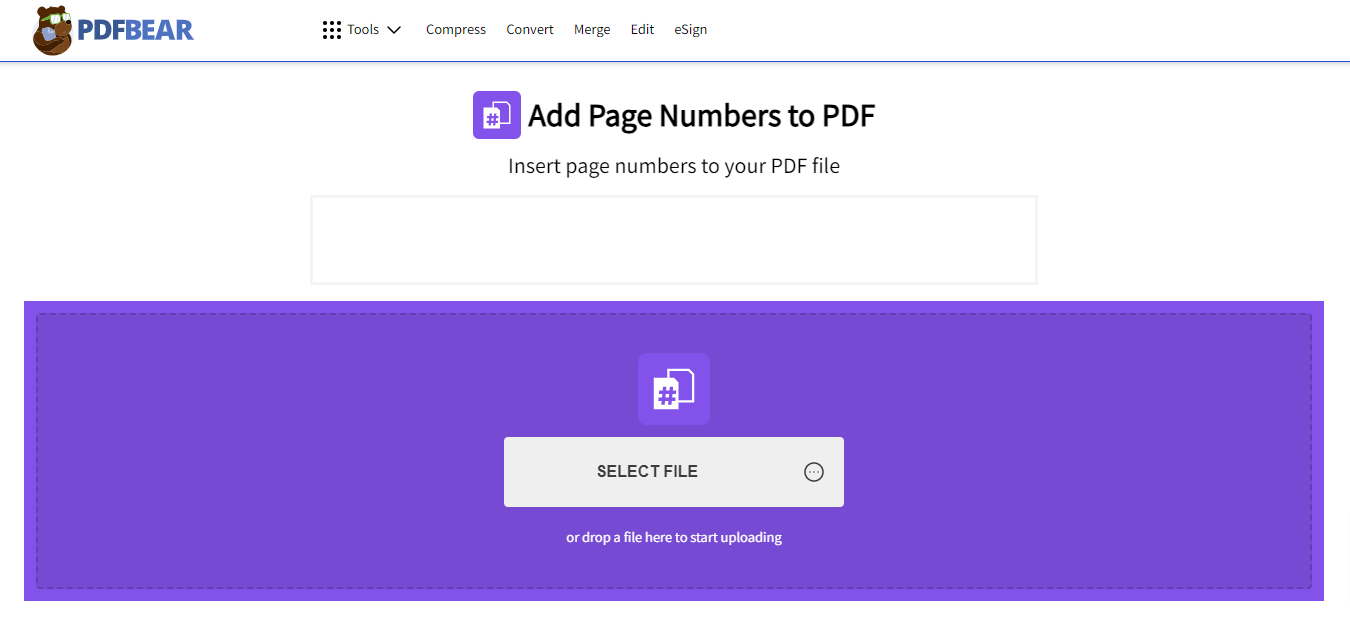
11. PDFBear Dodajte brojeve stranica u PDF
PDFBear je sveobuhvatna online aplikacija. PDF konverter i uređivač koji nudi niz alata za rukovanje PDF-ovima. Njegova funkcija 'Dodaj brojeve stranica u PDF' savršena je mješavina jednostavnosti, brzine i efikasnosti, omogućavajući korisnicima da ubacuju brojeve stranica u svoje PDF datoteke brzo i jednostavno direktno iz njihovog web pretraživača.
11.1 Pros
- Pristupačnost: PDFBear-ova usluga je dostupna sa svih platformi i uređaja s internetskom vezom, nudeći korisnicima jednostavnost i fleksibilnost.
- Brzi rad: PDFBear efikasno dodaje brojeve stranica bez značajnog vremena čekanja.
- Sigurnost podataka: PDFBear poštuje privatnost korisnika, pridržavajući se politike od 60 minuta gdje se datoteke brišu sa njihovih servera nakon sat vremena.
11.2 Protiv
- Ovisnost o internet konekciji: Kao online alat, PDFBear zahtijeva stabilnu i jaku internetsku vezu za nesmetan rad.
- Ograničeno za besplatne korisnike: Neke napredne funkcije PDFBear-a dostupne su samo premium korisnicima, dok se besplatni korisnici mogu suočiti s ograničenjima u korištenju.
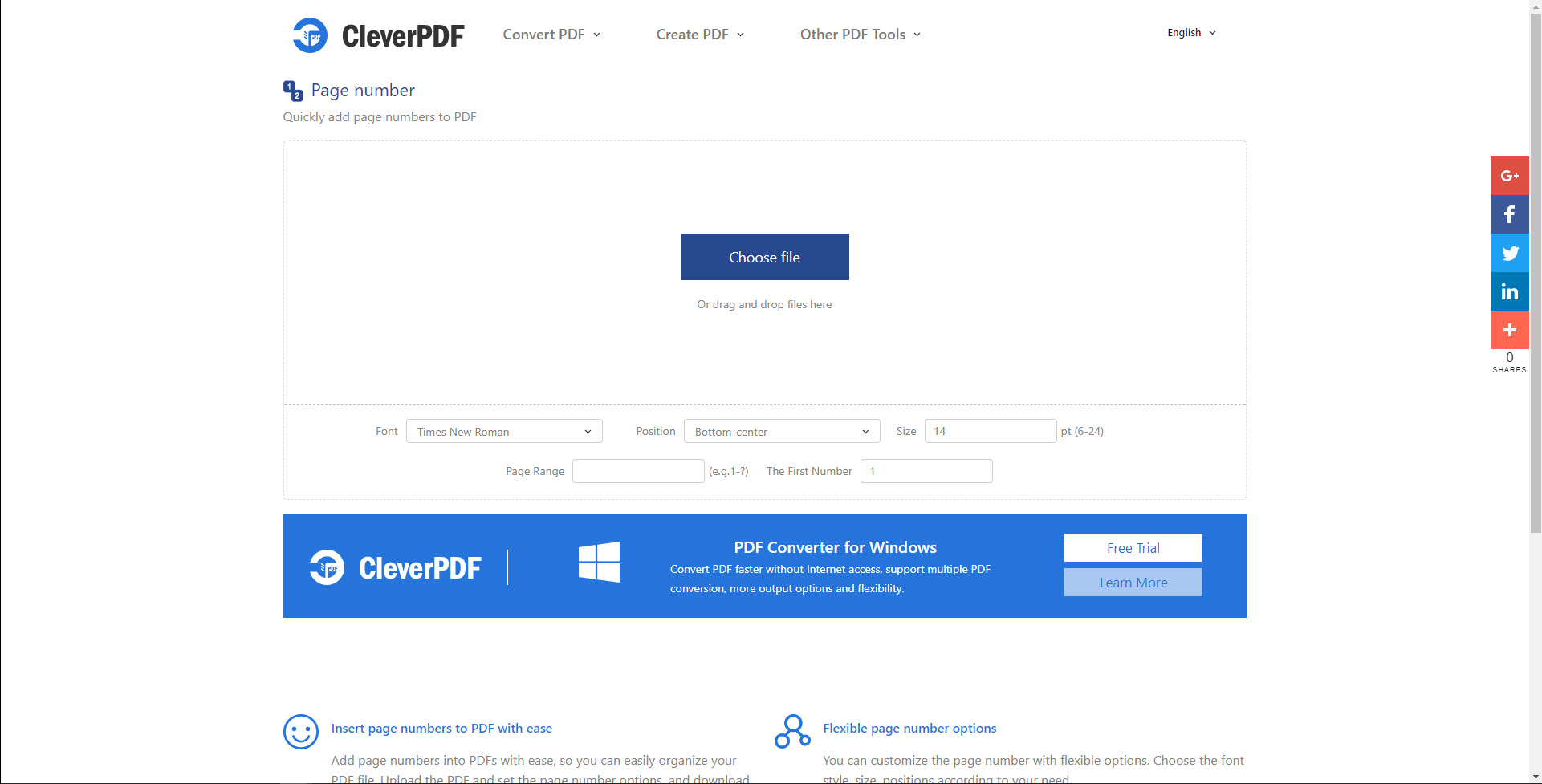
12. CleverPDF Ubacivanje broja stranice u PDF
CleverPDF nudi niz online alata za PDF rukovanje, a njegova funkcija 'Umetni broj stranice u PDF' ističe se po tome što pruža jednostavno, ali efikasno rješenje za dodavanje brojeva stranica PDF datoteke. Platforma je savršeno dizajnirana da ponudi intuitivno i glatko korisničko iskustvo na svim uređajima.
12.1 Pros
- Korisnik: CleverPDF interfejs je čist, minimalistički i jednostavan za navigaciju, što olakšava dodavanje brojeva stranica PDF-ovima.
- Brzo vrijeme obrade: CleverPDF je veoma efikasan, brzo dodaje brojeve stranica i štedi dragocjeno vrijeme korisnika.
- Sigurnost podataka: CleverPDF osigurava sigurnost vaših datoteka brisanjem sa servera u roku od 30 minuta, osiguravajući maksimalnu privatnost.
12.2 Protiv
- ovisni o internetu: CleverPDF zahtijeva stabilnu internetsku vezu za rad, što može biti izazov u područjima s nestabilnim vezama.
- Ograničena besplatna upotreba: Neke od naprednih funkcija zahtijevaju plaćenu pretplatu, ograničavajući opseg besplatne upotrebe.
13. rezime
Nakon dubljeg kopanja u svaki spomenuti alat, jasno je da svaki od njih ima svoje mjesto u rukovanju PDF dodavanja broja stranica, ovisno o specifičnim potrebama korisnika. Ispod je sažeto poređenje alata.
13.1 Ukupna tabela poređenja
| alatka | Značajke | Jednostavnost upotrebe | Cijena | Korisnička podrška |
|---|---|---|---|---|
| Adobe Acrobat Dodavanje brojeva stranica u PDF | Napredne opcije, Batch obrada | srednji | Premija | visok |
| iLovePDF Dodaj PDF Brojevi stranica | Jednostavan za upotrebu, efikasna obrada | visok | Besplatno, Premium za napredne funkcije | srednji |
| Smallpdf Dodavanje i umetanje brojeva stranica u PDF | Jednostavan i čist interfejs, brza obrada | visok | Besplatno uz ograničenja, Premium za potpuni pristup | srednji |
| PDF24 alati za dodavanje brojeva stranica | Jednostavnost, besplatno | visok | Besplatno | nizak |
| AvePDF Dodajte brojeve stranica u PDF-ove | Fleksibilno pozicioniranje, efikasnost | visok | Besplatno uz ograničenja | srednji |
| Sejda Add PDF Brojevi stranica | Prilagodljivi brojevi stranica, dizajn prilagođen korisniku | visok | Besplatno uz ograničenja, Premium za neograničene zadatke | srednji |
| PdfForge Dodajte brojeve stranica u PDF | Korisničko sučelje, brza obrada | visok | Besplatno | nizak |
| A-PDF broj | Samostalni program, jednostavan interfejs | visok | Besplatno | nizak |
| Aspose Add PDF Brojevi stranica | Sveobuhvatna podešavanja, jednostavnost upotrebe | visok | Besplatno uz ograničenja | visok |
| PDFBear dodaje brojeve stranica u PDF | Pristupačnost, brz rad | visok | Besplatno uz ograničenja | srednji |
| CleverPDF Ubacivanje broja stranice u PDF | Jednostavan za korisnika, brzo vrijeme obrade | visok | Besplatno | srednji |
13.2 Preporučeni alat na osnovu različitih potreba
Odabir pravog alata uvelike ovisi o vašim specifičnim potrebama:
- Za napredne funkcije i sveobuhvatne usluge, uključujući integraciju s drugim alatima: Adobe Acrobat je preporučena opcija.
- Za jednostavnu upotrebu i jednostavan interfejs: Smallpdf, iLovePDF i CleverPDF su odličan izbor.
- Za isplativost: PDF24 Tools i PdfForge, koji nude potpuno besplatne usluge, najbolji su izbor.
- Za fleksibilnost u korištenju van mreže: A-PDF Number, kao samostalni program, ispunjava ovu potrebu.
14. zaključak
14.1 Završne misli i zaključci za odabir dodavanja brojeva stranica u PDF alatka
Zaključno, odabir i implementacija alata za dodavanje brojeva stranica vašim PDF dokumentima uvijek bi trebali biti zasnovani na vašim specifičnim potrebama. Brojni alati nude niz različitih funkcionalnosti, svaki sa svojim snagama i slabostima. Neki pružaju napredne funkcije i sveobuhvatne usluge, poput Adobe Acrobata. Drugi se ističu po jednostavnosti korištenja i intuitivnom interfejsu, poput Smallpdf-a, iLovePDF-a i CleverPDF-a.

Ako vam je glavni cilj isplativost, onda bi besplatni servisi poput PDF24 Tools i PdfForge bili odličan izbor. A kada tražite fleksibilnost u korištenju van mreže, samostalni program poput A-PDF Number postaje najbolja opcija.
U konačnici, najbolji alat za 'Dodavanje brojeva stranica u PDF' za vas bit će onaj koji se besprijekorno integrira u vaš tijek rada, ispunjava vaše jedinstvene potrebe i kompatibilan je s vašim budžetom.
Uvod za autora:
Vera Chen je stručnjak za oporavak podataka DataNumen, koji nudi široku paletu proizvoda, uključujući i super MS Excel proizvod za oporavak.