
はじめに
今日のテクノロジー主導の世界では、文書は従来の紙形式から電子文書に移行しています。電子ドキュメントの形式は数多くありますが、DOCX と PDF 広く採用されており、使いやすいため、注目を集めています。多くの場合、DOCX ファイルを PDF 後者の互換性、セキュリティ、バインダーの扱いやすさなど、さまざまな理由からです。しかし、そこで生じる適切な疑問は、DOCX を PDF ドキュメントの品質を確保しながら、迅速かつ効率的に実行できます。
1.1 DOCX を次の形式に変換することの重要性 PDF ツール
DOCXからPDFへの変換ツールは、さまざまな場面で重要な役割を果たします。これらのツールを使えば、ドキュメントのレイアウトやフォーマットを変更する心配をすることなく、あらゆるデバイスで簡単に共有・開くことができる、プロフェッショナルな見た目のドキュメントを作成できます。これは、DOCXファイルでよく発生する問題です。優れた変換ツールは、バッチ変換、安全な送信、ドキュメントの元の構造とレイアウトの維持などの機能も提供します。したがって、高性能なDOCXからPDFへの変換ツールを選択することは非常に重要です。 PDF コンバータは、重要な文書化作業を行う人にとって非常に重要です。
1.2 破損した Word 文書を修復する
時々破損した Word 文書に遭遇することがあります。 破損したWord文書を修復する 非常に重要です。 DataNumen Word Repair はそのようなツールです:
1.3 この比較の目的
本比較の目的は、入手可能な最高のオンラインDOCX-PDF変換ツールの中から、偏りのない包括的な分析を提供することです。各ツールは、その長所と短所を精査し、パフォーマンス、全体的な使いやすさ、および機能を評価します。この比較は、ユーザーがそれぞれのニーズ、予算、および技術的な要件に応じて最適な変換ツールを選択するのに役立ちます。
2。 CoolUtils
CoolUtilsは、DOCXからPDFへの変換をはじめ、幅広いファイル形式の変換に対応したオンラインツールです。使いやすいインターフェースを備え、ソフトウェアをダウンロードすることなく、ドキュメントを素早く変換できます。用紙の向き、サイズ、余白などを変更することで、最終出力をカスタマイズすることも可能です。
2003 年に設立された CoolUtils は、さまざまなユーザー ニーズに対応するファイル コンバータ ツールを提供してきました。そのDOCXは PDF コンバータは、ドキュメント変換のさまざまなカスタマイズをサポートし、結果として元の DOCX ファイルのテキスト構造、レイアウト、画像が確実に保持される人気のツールです。 PDF ファイルにソフトウェアを指定する必要があります。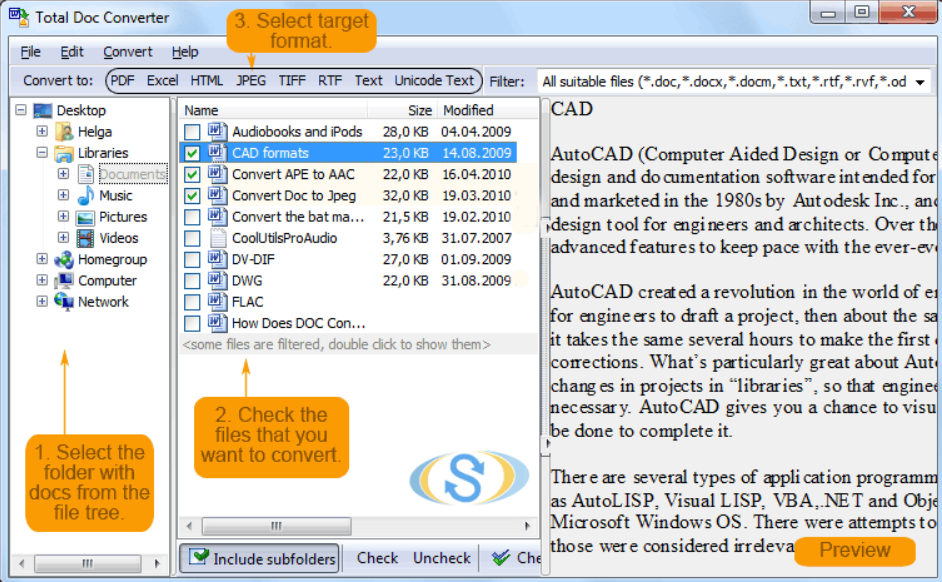
2.1プロ
- 無料で使いやすい: ユーザーは、事前の知識や技術スキルがなくても、変換プロセスを簡単に進めることができます。
- カスタマイズ可能な出力: 最終的な形式を変更できます PDF 文書の回転、余白の調整、用紙サイズの選択など。
- 複数のフォーマットをサポート: DOCXからPDFへの変換以外にも、このツールは非常に多くの種類のファイル形式を変換できます。
2.2 短所
- 広告だらけのインターフェース: ユーザーは、全体的なユーザー エクスペリエンスに影響を与える可能性のあるポップアップ広告に頻繁に遭遇する可能性があります。
- 制限されたファイルサイズ: 変換できるファイルサイズには一定の制限があるため、大きなファイルを扱うユーザーにとっては不便です。
- バッチ変換なし: ユーザーは複数の DOCX ファイルを PDF すぐに。各ファイルを個別にアップロードして変換する必要があります。
3. PDFSimpli
PDFSimpliは、変換と編集に特化したオンラインツールです。 PDF ファイル。 DOCX ファイルを次の形式に変換する機能も含まれています。 PDF 数回クリックするだけで。このツールは変換サービスを提供するだけでなく、編集、圧縮、分割などの他の機能も提供します。 PDF 関連するタスク。
PDFSimpliはPDFを扱うためのオールインワンプラットフォームを提供することを目指しており、その変換機能ではDOCXをPDFに変換する機能を提供しています。ブラウザベースのソリューションであるため、ソフトウェアのダウンロードは不要です。その機能には、編集オプションが含まれています。 PDF 変換後、出力が保証されます。 PDF レイアウトとフォーマットの両方の点で、元の DOCX コンテンツと完全に一致します。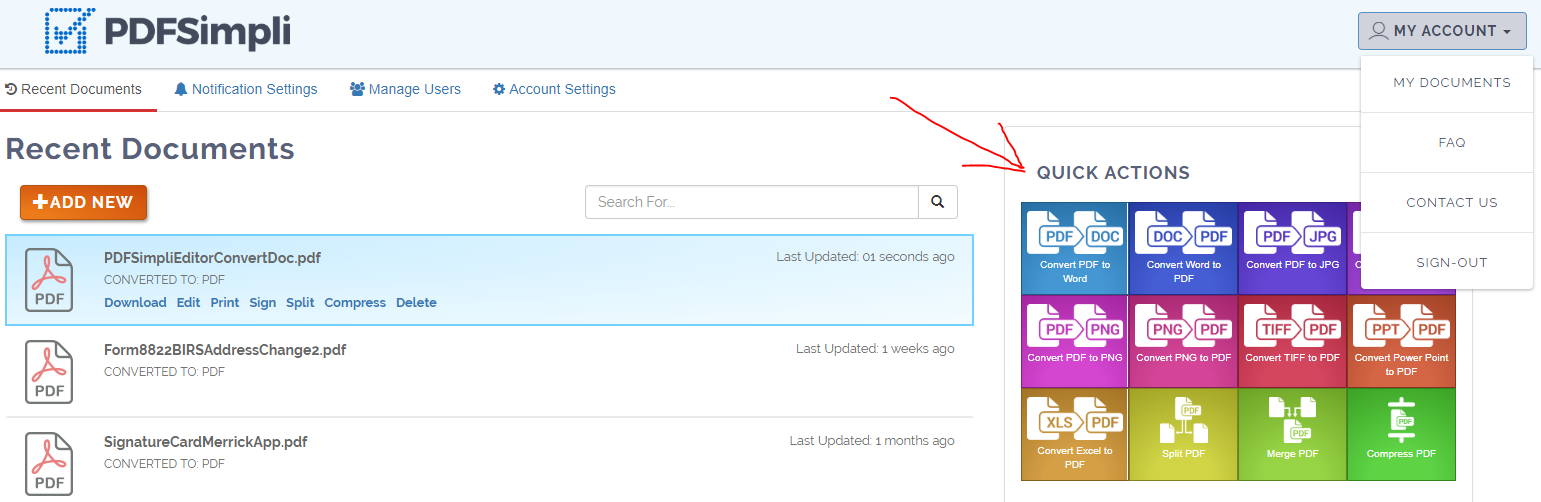
3.1プロ
- ユーザーフレンドリーなインターフェース: PDFSimpliは、すっきりとした分かりやすいインターフェースを備えているため、初心者ユーザーでもスムーズに変換作業を行うことができます。
- NEW PDF 取り扱いツール: このツールは変換機能に加え、PDFファイルの編集、分割、圧縮、その他様々な操作を可能にします。
- 高品質の変換: このツールは、変換された PDF 元の DOCX のレイアウト、形式、テキストの精度と一致します。
3.2 短所
- サインアップが必要です: 変換ツールにアクセスするには、ユーザーはサインアップ プロセスを実行する必要がありますが、これが不便だと感じる人もいるかもしれません。
- 限定された無料使用: 無料トライアルはご利用いただけますが、継続して使用したり一部の機能にアクセスするには有料サブスクリプションが必要です。
- バッチ処理の欠如: このツールは、複数のDOCXファイルを同時にPDFに変換する機能をサポートしていません。
4.A1オフィス
A1Office はオンライン DOCX を提供します。 PDF コンバータを使用すると、互換性の問題なくドキュメントを簡単に変換できます。安定したものを提供してくれる PDF ファイルの信頼性を維持するために。
A1Office は信頼性の高い DOCX を提供します。 PDF コンバータを使用すると、迅速なドキュメント変換が容易になります。変換後も元の形式と構造が維持されるため、文書の信頼性が確実に保たれます。飾り気のないインターフェイスも利点で、初心者でも変換がスムーズに行えます。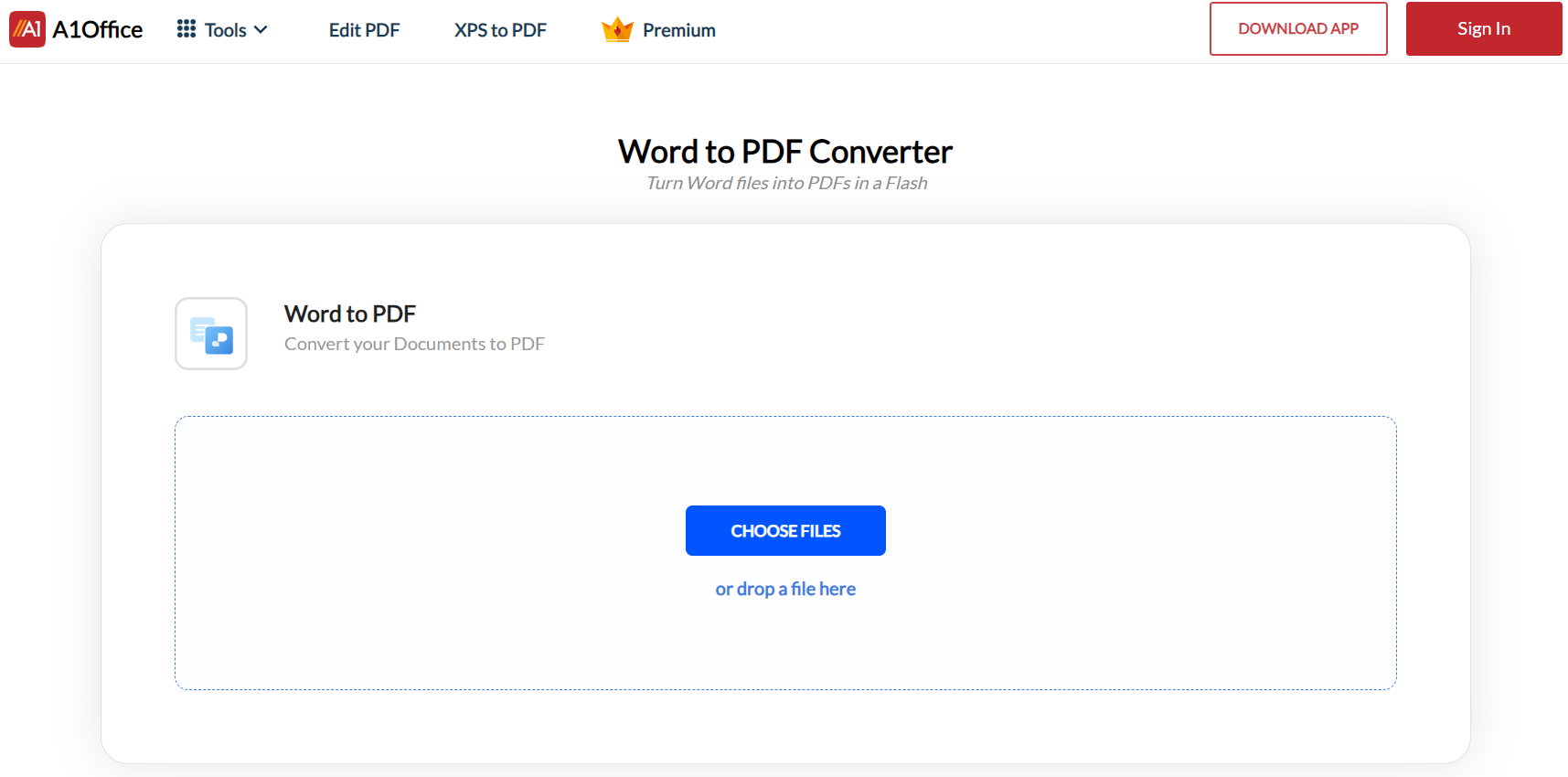
4.1プロ
- 使いやすい: このツールは複雑な設定を必要としないシンプルなインターフェースを備えており、非常に使いやすいです。
- 元の形式を保持します: A1Officeで変換されたDOCXファイルは、結果として生成されるPDFファイルにおいても、元のレイアウト、デザイン、画像を保持します。
- ソフトウェアのインストールなし: ブラウザベースのツールであるため、システムへのソフトウェアのダウンロードやインストールは必要ありません。
4.2 短所
- 制限された機能: 他のツールと比較すると、変換後の編集や調整のための機能は比較的少ない。
- バッチ変換なし: このツールには、複数の DOCX ファイルを同時に変換する機能はありません。
- 広告サポート: 広告の存在は、ユーザー エクスペリエンスを妨げたり、若干の気を散らしたりする可能性があります。
5。 ザンザル
Zamzar は、幅広いファイル形式をサポートするオンライン ファイル変換 Web サイトです。 DOCX が含まれており、 PDF Converter は、ユーザーがドキュメントをある形式から別の形式に迅速かつ効率的に変換できるようにする数多くのツールの中の 1 つです。
Zamzar は 2006 年から運用されており、すでに 510 億 XNUMX 万以上のファイルを変換しました。そのサービスは、シンプルさ、スピード、柔軟性が高く評価されています。 DOCX は、 PDF 特にコンバータは、ソース ファイルのフォーマットとレイアウトを保持するように設計されており、その結果、確実に結果が得られます。 PDF 元の DOCX ドキュメントとまったく同じに見えます。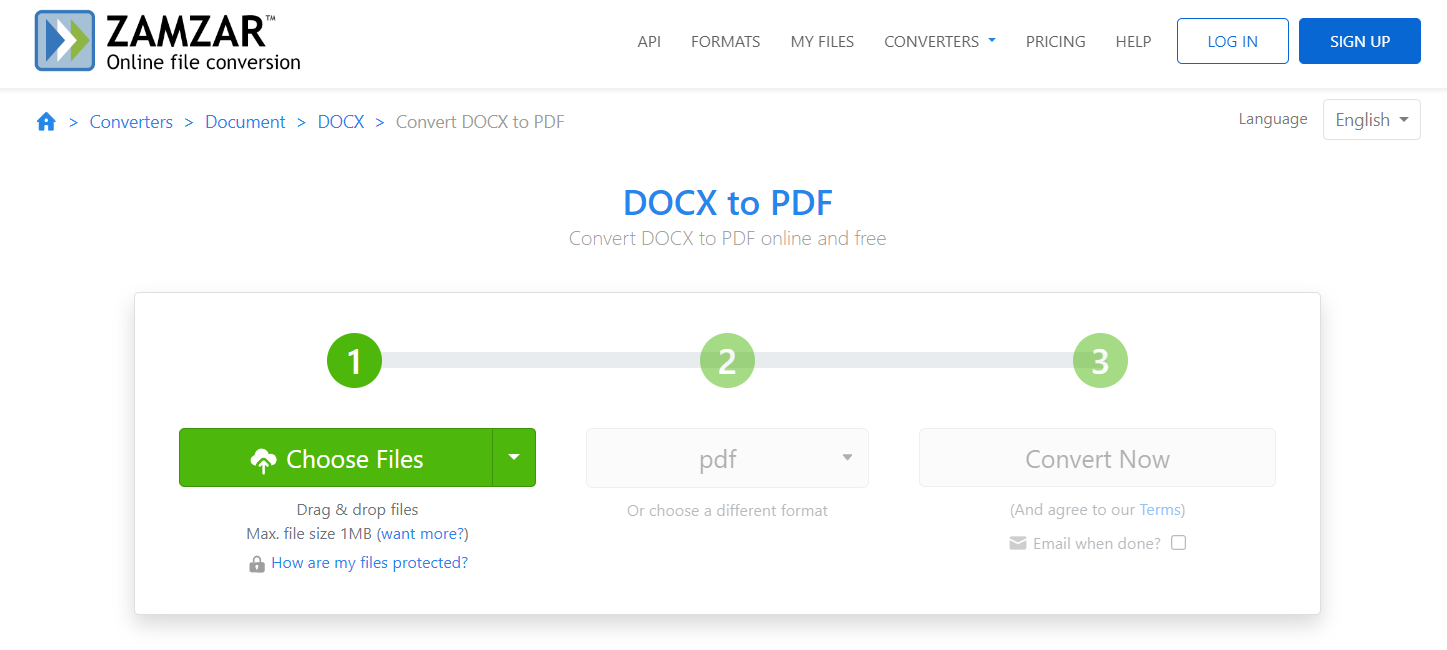
5.1プロ
- 迅速な変換: Zamzar は変換時間が短いため、ユーザーは長い間待つ必要がありません。 PDF ファイル。
- 複数のフォーマットをサポート: DOCXからPDFへの変換以外にも、多くのファイル形式変換に対応しています。
- 高品質の変換: 変換された PDF ファイルは元の DOCX ファイル形式を保持し、変換が可能な限り正確であることを保証します。
5.2 短所
- メールアドレスが必要です: 変換されたファイルを受け取るには、ユーザーは電子メールを提供する必要がありますが、これはプライバシー上の懸念があると考える人もいます。
- 無料使用制限: 無料ユーザーは、24 時間以内に変換できるファイルの数とサイズに制限があります。
- バッチ変換なし: 複数のDOCXファイルを同時にPDFに変換するオプションはありません。
6.ドクターフライ
DocFlyは、PDFやその他のドキュメント形式を変換、編集、結合するための人気のオンラインツールです。 Word DOCX。このプラットフォームは、DOCX ファイルを次の形式に変換する機能をユーザーに提供します。 PDF 元のファイルの構造とレイアウトを維持しながら、即座に実行できます。
DocFlyは、文書の変換と操作に特化したエクスペリエンスを提供し、多様なツールと機能を備えています。中でも、DOCXからPDFへの変換機能は、変換後のPDFで元の書式、レイアウト、画像を保持できる点で際立っています。操作は簡単で、ほとんどのブラウザとオペレーティングシステムに対応しています。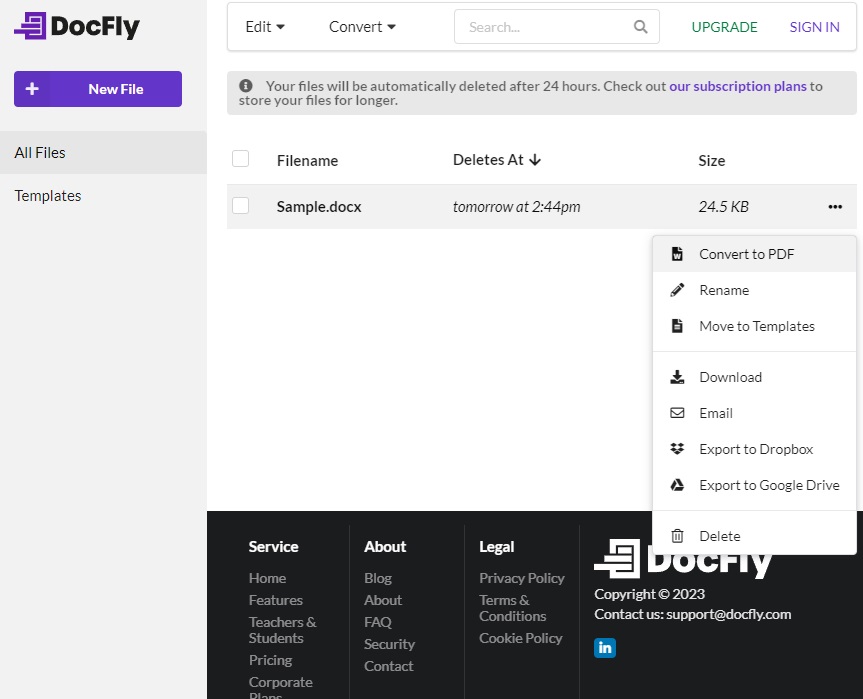
6.1プロ
- 高品質の変換: DocFly は、元のドキュメントの書式設定をシームレスに保存して、正確な変換を保証します。
- 追加ツール: また、次のような他のドキュメント処理ツールも備えています。 PDF 編集、結合、分割など。
- 使いやすい: 明確な指示と直感的なインターフェイスにより、ユーザーは技術的な専門知識がなくてもドキュメントを迅速に変換できます。
6.2 短所
- 限定された無料アクセス: ユーザーは一定数の変換のみを無料で実行でき、それ以降は有料のサブスクリプションが必要になります。
- 変換制限: 無料版では、変換できるドキュメントのサイズも制限されます。
- サインアップが必要です: ツールにアクセスするには、ユーザーはサインアップしてアカウントを作成する必要があります。これにより、変換プロセスに追加の手順が追加されます。
7. オンライン 2 PDF
オンライン2 PDF DOCXファイルをPDFに変換するための、無料で使いやすいツールを提供します。出力ファイルのカスタマイズや、変換するドキュメントの順序を自由に設定できます。
オンライン2 PDF 様々なファイル形式からPDFへの変換に対応する、包括的で汎用性の高いソリューションを提供します。DOCX以外にも、複数のドキュメント形式の変換をサポートしています。このツールを使えば、出力PDFのページサイズ、向き、余白などを設定するなど、カスタマイズが可能になり、ユーザーのニーズに合わせた変換体験を実現できます。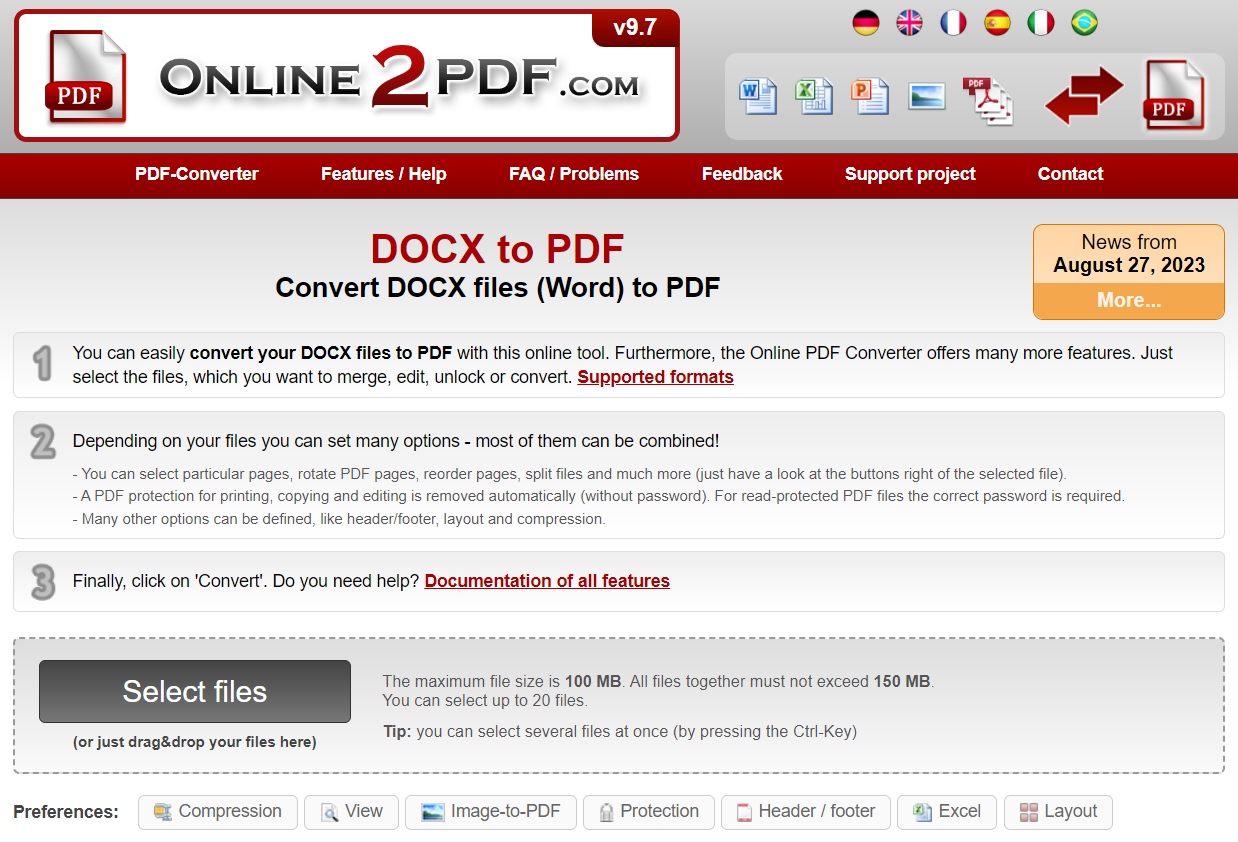
7.1プロ
- 複数のファイルの変換: このツールは、形式が異なっていても、複数のファイルを一度に変換できます。
- 高品質の出力: このツールは、変換されたPDFファイルにおいて、元のDOCXファイルの書式、レイアウト、構造が維持されることを保証します。
- カスタマイズ可能な設定: ユーザーは出力のさまざまな設定オプションを決定できます。 PDF ページ サイズ、余白、向きなど。
7.2 短所
- ファイルサイズの制限: 変換のためにアップロードできるファイルのサイズには制限があります。
- ウェブサイト上の広告: ユーザーによっては、Web ページ上の広告が煩わしいと感じる場合があります。
- 編集ツールなし: 変換されたPDFを編集したり注釈を付けたりするための追加ツールは提供されていません。
8.WorkinTool
WorkinToolは、DOCXファイルをPDFに変換することに特化したオンライン変換プラットフォームです。このツールを使用すると、ユーザーはDOCXファイルを一括変換、圧縮、編集できます。 PDF 変換後のファイル。
WorkinTool はさまざまなサービスを提供します PDF DOCX を含むサービス PDF 変換ツール。ユーザーフレンドリーなインターフェイスとともに、ユーザーがドキュメントを簡単に変換できる安全なプラットフォームを提供します。これは、異なる形式の複数のファイルを処理する必要がある人にとって理想的なツールであり、時間を大幅に節約するバッチ変換を提供します。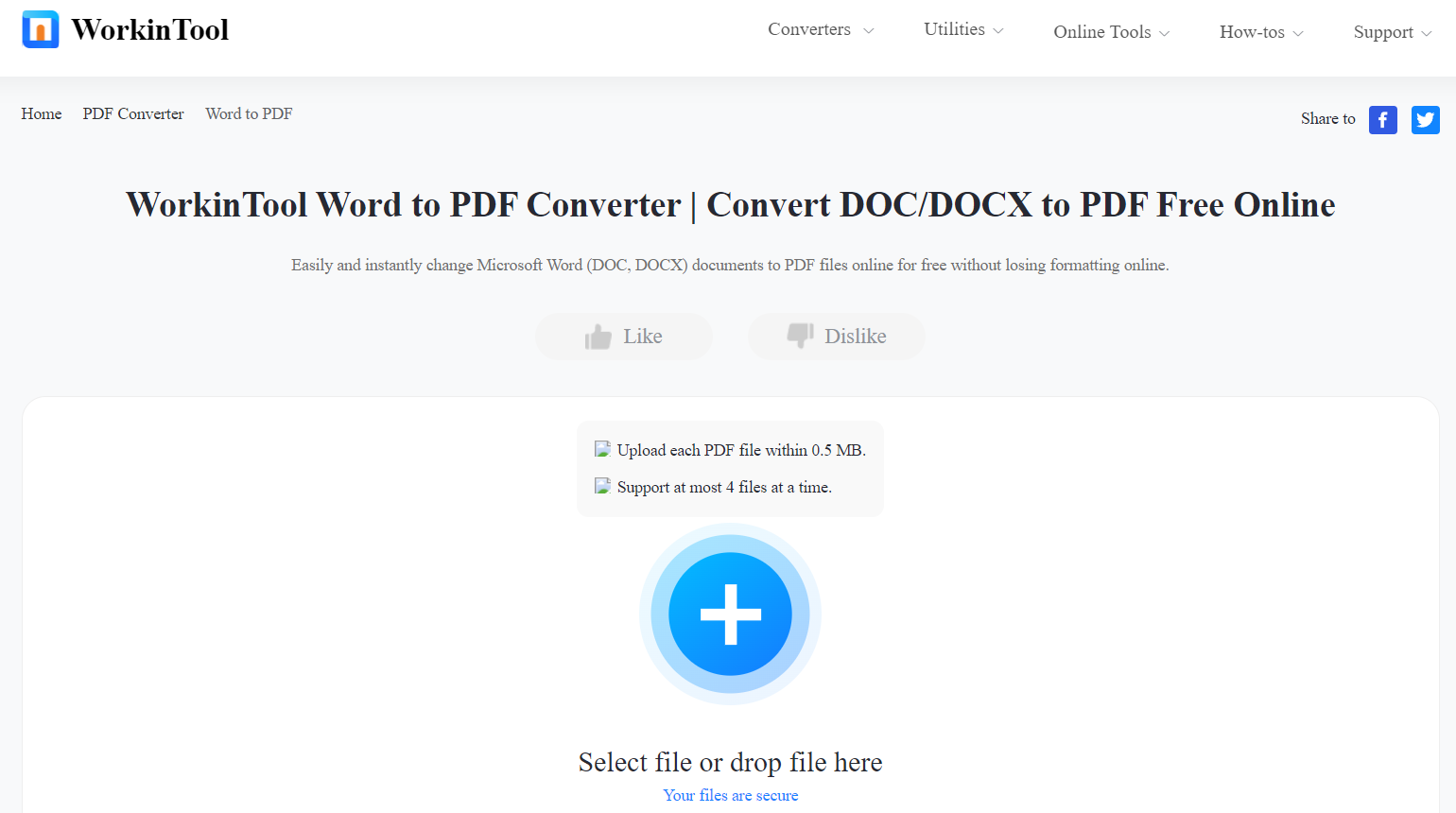
8.1プロ
- バッチ変換: ユーザーが一度に複数のドキュメントを変換できるようにします。
- セキュリティ: 変換後すぐにファイルをサーバーから削除することで、ファイルのセキュリティを確保します。
- 追加のツール: WorkinTool は次のようなサービスも提供しています PDF 編集、結合、分割など、さまざまな機能を備えており、PDFを管理するための包括的なプラットフォームとなっています。
8.2 短所
- 制限時間: 無料版には操作の実行時間に制限があり、無制限にアクセスするにはサブスクリプションが必要です。
- 制限付きの無料使用: 無料版では、ユーザーは 1 時間あたり限られた変換のみを楽しむことができます。
- サインアップが必要です: サービスにアクセスするには、ユーザーはアカウントを作成する必要がありますが、これが人によっては不必要なハードルとなる可能性があります。
9.ソーダPDF
ソーダ PDF はさまざまなサービスを提供する強力なオンライン サービスです。 PDF DOCX を含む管理ツール PDF コンバータ。このツールを使用すると、ユーザーは DOCX ファイルを PDF ファイルを迅速かつ効率的に変換するだけでなく、変換後の編集オプションも提供します。
ソーダ PDF は、無数の機能を提供する多用途のオンライン プラットフォームです。 PDF ファイル管理。 DOCX は、 PDF この変換ツールを使えば、Word文書を元の書式をそのまま保持したまま、簡単かつ安全にPDFに変換できます。さらに、同じプラットフォーム上でPDFの編集、注釈付け、結合も可能です。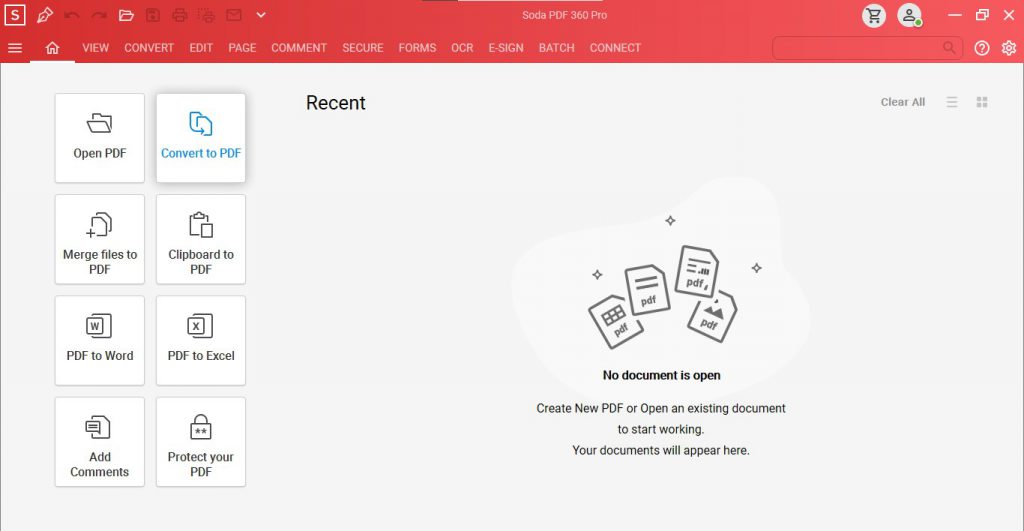
9.1プロ
- ユーザーフレンドリーなインターフェース: ソーダ PDF は、ユーザーがドキュメントを簡単に変換できる、クリーンで直感的なインターフェイスを提供します。
- セキュリティ: アップロードされたすべてのファイルが一定期間後にサーバーから削除される安全なプラットフォームを提供し、ユーザー データのプライバシーを確保します。
- NEW PDF ツール: 変換ツールに加えて、追加のスイートも提供します。 PDF 編集、結合、分割、注釈付けなどのユーティリティ。
9.2 短所
- 無料版の制限事項: 無料版では実行できる変換のサイズと数に制限があります。
- サインアップが必要です: コンバータ ツールを使用するにはサインアップする必要があるため、一部のユーザーにとってはそれが妨げになる場合があります。
- バッチ変換なし: このツールは、複数の DOCX ファイルの同時変換をサポートしていません。
10. PDF24ツール
PDF24 Toolsはオンラインスイートです PDF DOCX を含むツール PDF コンバータ。このツールを使用すると、ユーザーは Word 文書を次の形式に変換できます。 PDF 元のドキュメントのレイアウトや形式を損なうことなく、簡単にフォーマットできます。
PDF24 Toolsは、PDFの処理に関する幅広い機能を提供します。 PDF ファイル、その中には DOCX から PDF そのシンプルさと正確さが際立っています。オンラインのブラウザベースのツールとして、DOCX ファイルをすぐに次の形式に変換できる利便性をユーザーに提供します。 PDF ダウンロードやインストールは必要ありません。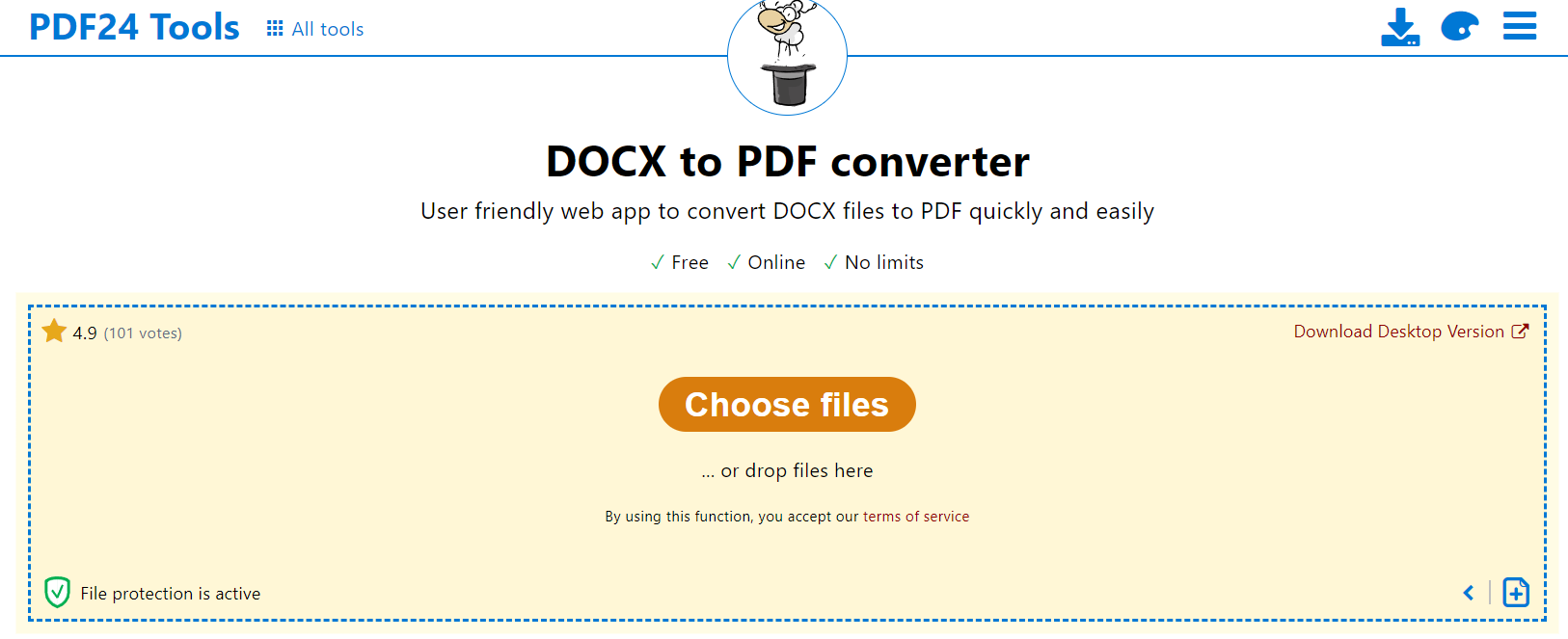
10.1プロ
- 使いやすい: シンプルで直感的なインターフェースにより、ユーザーはDOCXファイルを簡単にPDFに変換できます。
- 安全なトランザクション: 安全なプラットフォームを提供し、変換されたすべてのファイルは一定期間後にサーバーから削除されます。
- バッチ変換: この機能を使用すると、ユーザーは複数の DOCX ファイルを PDF 同時に。
10.2 短所
- 広告サポート: Web ページに広告が存在すると、ユーザーによっては躊躇する可能性があります。
- 制限されたファイルサイズ: 変換のためにアップロードできるファイルのサイズには制限があります。
- 限られた編集オプション: 他のツールとは異なり、PDF24 Toolsは変換後の詳細な編集オプションを提供していません。
11. バートパル
Vertopal は、DOCX を含むオンライン変換サイトです。 PDF コンバータ。このツールは、Word 文書の翻訳をサポートしています。 PDF シームレスに、元のファイルの構造とレイアウトが確実に保持されます。
Vertopalは、DOCXファイルをPDFに変換するためのシンプルで使いやすいオンラインプラットフォームです。使いやすさと高い変換品質が特徴です。ユーザーは変換プロセスを迅速かつ容易に進めることができ、最終出力は元のドキュメントの書式を全体的に維持します。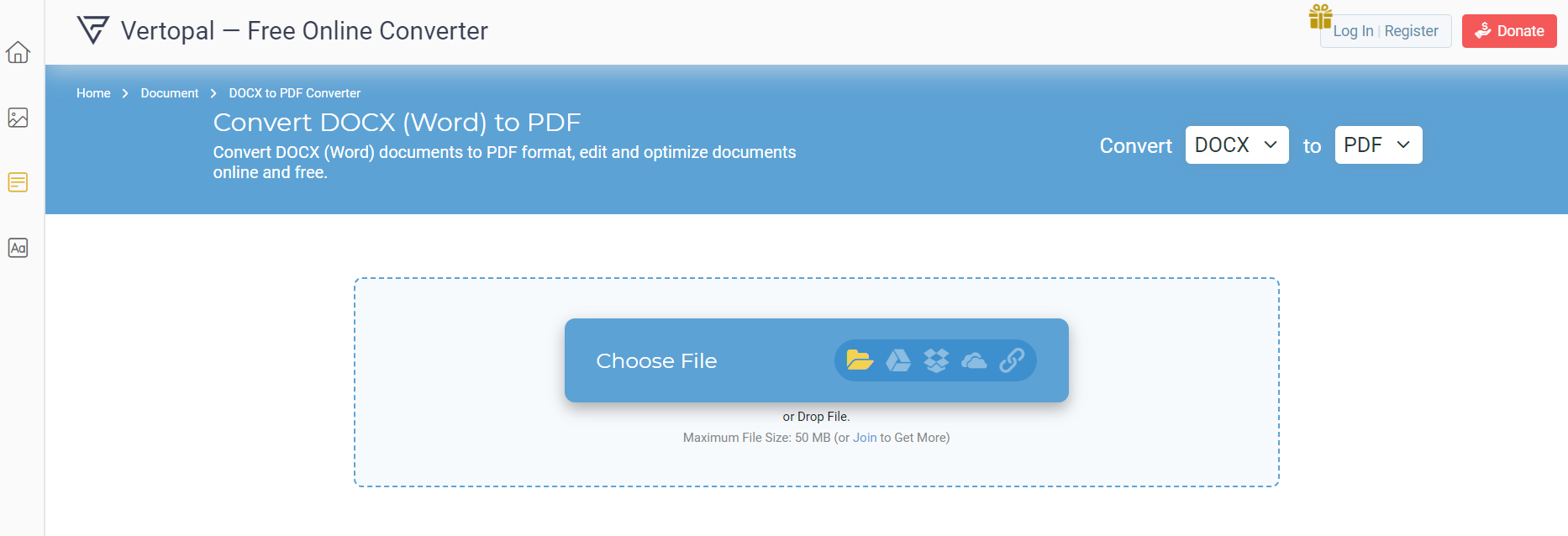
11.1プロ
- 使いやすい: ユーザーフレンドリーなインターフェイスにより、技術にあまり精通していない人でもドキュメントを簡単に変換できます。
- 高い変換品質: 変換された PDF DOCX ドキュメントの元のレイアウト、書式設定、およびテキストの精度と一致します。
- 無料で使用できます: このツールは、サブスクリプションやサインアップを必要とせずに無料の変換を提供します。
11.2 短所
- バッチ変換なし: バッチ変換は利用できないため、ユーザーはドキュメントを 1 つずつ変換する必要があります。
- 制限された機能: VertopalはDOCXをPDFに変換する以外に、PDFの編集や修正といった追加機能は提供していません。
- ファイルサイズ制限: DOCXファイルをアップロードしてPDFに変換できるサイズには制限があります。
12。 概要
さまざまな DOCX の広範な概要を理解した後、 PDF コンバーターのすべてが、ユーザーの要件に応じて異なる利点と欠点を提供すると結論付けることができます。さらに明確にするために、比較表と独自の要件に基づいた製品の推奨事項を見てみましょう。
12.1 全体比較表
| ツール | 製品の機能 | 使いやすさ | 価格 | カスタマーサービス |
|---|---|---|---|---|
| CoolUtils | ファイル変換、カスタマイズ可能な出力 | ハイ | 無料、有料アップグレード | FAQ、メールサポート |
| PDF簡易 | ファイル変換、編集ツール | ハイ | 無料トライアル、サブスクリプション | FAQ、メールサポート |
| A1オフィス | ファイル変換 | ハイ | Free | 限定的 |
| Zamzar | ファイル変換 | ハイ | 無料、有料アップグレード | オンラインサポートフォーム |
| ドックフライ | ファイル変換、編集ツール | ハイ | 限定無料、サブスクリプション | メールサポート |
| オンライン2PDF | ファイル変換 | 技法 | Free | オンラインフォーム |
| 作業ツール | ファイル変換、一括変換 | 技法 | 無料、プレミアムアクセスのサブスクリプション | メールサポート |
| ソーダPDF | ファイル変換、編集ツール | ハイ | 無料、プレミアムアクセス | 電子メール、電話サポート |
| PDF24ツール | ファイル変換、一括変換 | ハイ | Free | オンラインフォーラム |
| バートパル | ファイル変換 | ハイ | Free | 限定的 |
12.2 さまざまなニーズに応じた推奨ツール
使いやすさと高品質な出力を低価格で実現したいなら、CoolUtilsとPDF24 Toolsがおすすめです。PDF編集などの追加機能が重要な場合は、SodaPDFとDocFlyが包括的なソリューションを提供しますが、サブスクリプション料金がかかります。バッチファイル変換にはWorkinToolが最適で、PDF24 Toolsはこの機能を無料で提供しています。
13. 結論
13.1 DOCX の変換先を選択するための最終的な考えと要点 PDF ツール
適切な DOCX の選択 PDF コンバータ ツールは、お客様の特定の要件、予算、技術的な快適さのレベルに大きく依存します。これまで見てきたように、上記で分析したすべてのツールはさまざまな機能と利点を提供します。
使いやすさと高品質な出力を求めるなら、CoolUtilsとPDF24はどちらも優れた結果をもたらします。PDFの統合エディターやデータセキュリティといった追加機能が必要な場合は、SodaPDFやDocFlyなどの有料ツールが最適なソリューションを提供します。大量のファイルを扱い、バッチ変換機能が必要な場合は、WorkinToolが最適な選択肢となるでしょう。
総じて、コスト、使いやすさ、追加機能、カスタマーサポート、バッチ処理など、最も重要な機能を優先順位付けすることが不可欠です。具体的なニーズを明確にすれば、適切なツールを選ぶプロセスはより簡単になります。最高のツールとは、ワークフローを補完し、日々の業務にシームレスに統合できるツールであることを忘れないでください。
著者紹介:
Vera Chenは、のデータ復旧の専門家です。 DataNumen、ツールを含む幅広い製品を提供します。 Access データベースを修復する.